

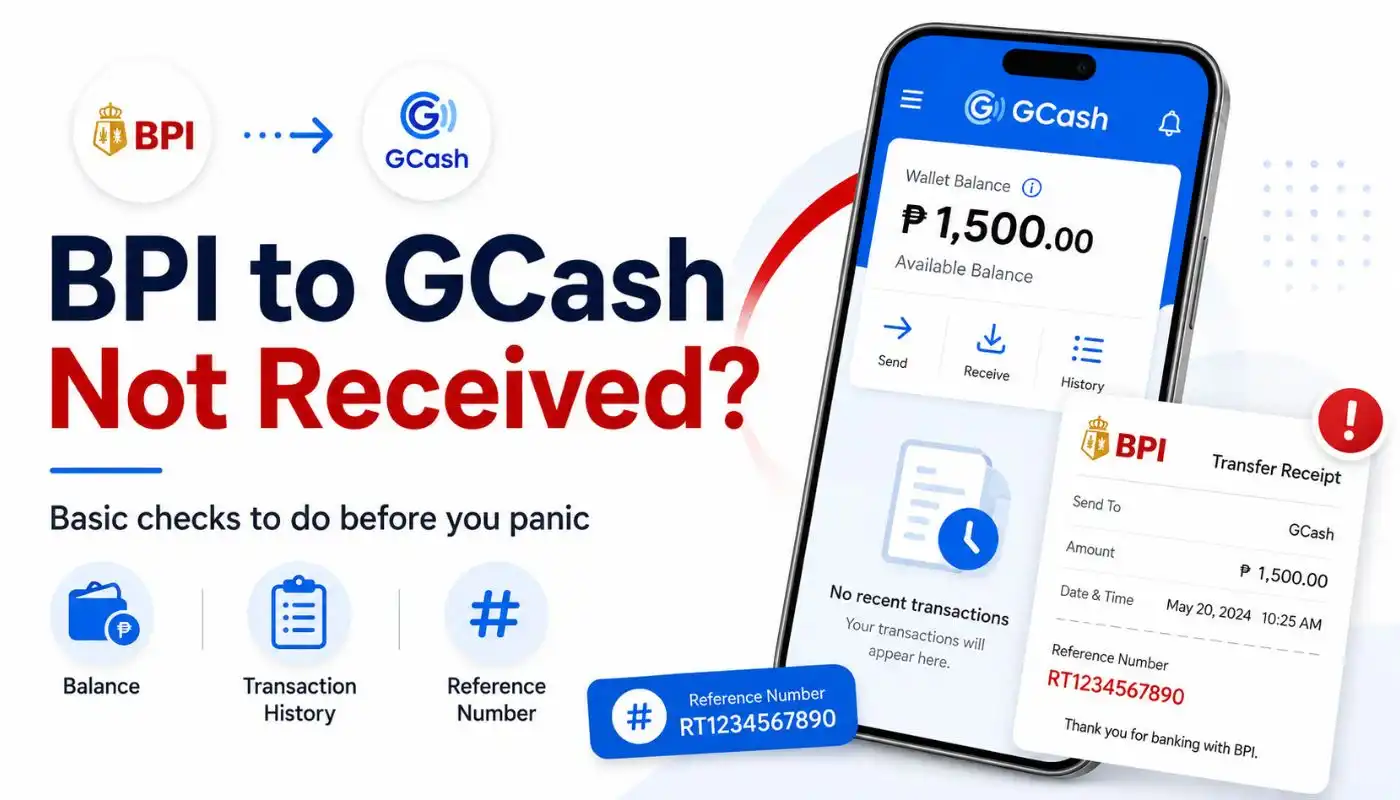
Quick Answer: If you transfer money from BPI to GCash but not received, do not send the funds again right away. This BPI to GCash transfer delay is usually temporary. Open your GCash app, check your InstaPay transaction history, and save your BPI receipt. Most transfers settle fast, but some take longer depending on the transfer method you used.
It feels stressful when you make a BPI to GCash transfer and the cash just does not show up. You see the amount gone from your bank balance, but your GCash wallet is still the same. You might ask yourself: why my BPI transfer to GCash not received? This happens more often than people think, and the cause is usually a minor system lag rather than a lost transfer.
The good news is that most cases of a BPI transfer not received get fixed on their own with a little time. This guide walks you through what causes a BPI to GCash delay, the things you must check first, and when to contact support. Keep your BPI to GCash receipt close because that contains your main proof.
Why My BPI Transfer to GCash is Not Received
Bank-to-wallet transfers in the Philippines run on two main channels: InstaPay and PESONet. Knowing which one you selected explains the BPI to GCash transfer time.
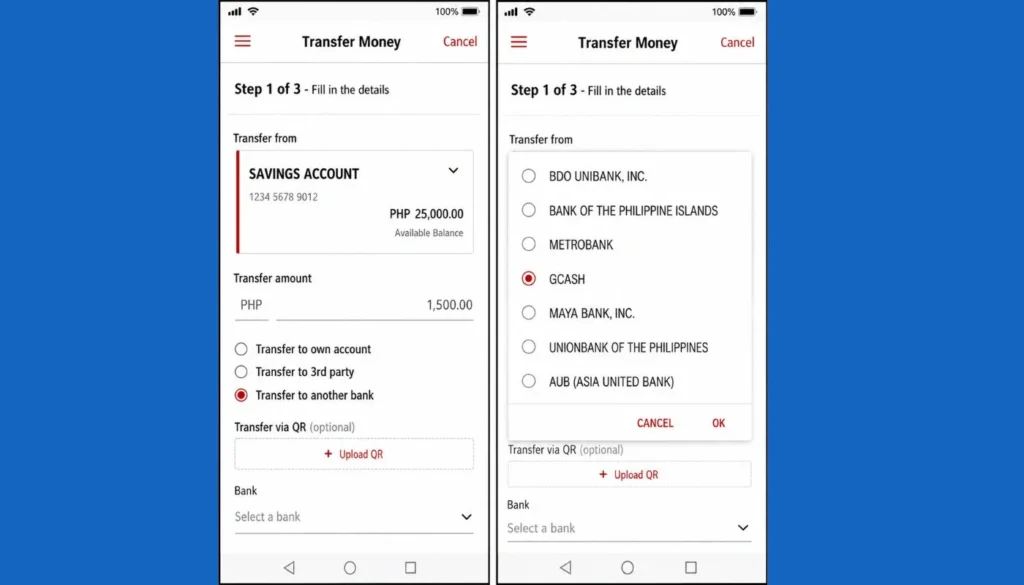
| Transfer Type | When You Should See the Money |
| InstaPay | Usually within minutes, runs 24/7 |
| PESONet | Next banking day, doesn’t run on weekends or holidays |
When you run into a BPI to GCash InstaPay not received issue, it is usually because of a temporary system lag. InstaPay is supposed to be instant, but heavy traffic can slow it down. On the other hand, the BPI to GCash PESONet transfer time is much slower.
If you are wondering BPI PESONet transfer to GCash how long, it typically takes until the next banking day. PESONet does not process transactions on weekends or holidays. So, if you sent it on Friday night, a BPI PESONet to gcash how long wait means the money will likely land on Monday.
Other issues causing a BPI transfer to GCash delay include planned bank maintenance, daily cut-off times, or typing mistakes.
BPI to GCash Transfer Successful But Not Received
Sometimes, your bank app tells you the transaction went through, yet the funds are missing from your wallet. If you are facing a BPI to GCash transfer successful but not received situation, try not to panic. This is a common BPI to GCash transfer issue that happens when the communication link between the two systems drops right after BPI releases the funds.
When you find that you transferred money from BPI to GCash but not received it, the first step is to wait for a short period. Do not try the transaction again immediately. If you try to send the same amount again, you might end up with a BPI to GCash transaction failed status or, worse, a double charge that takes days to refund.
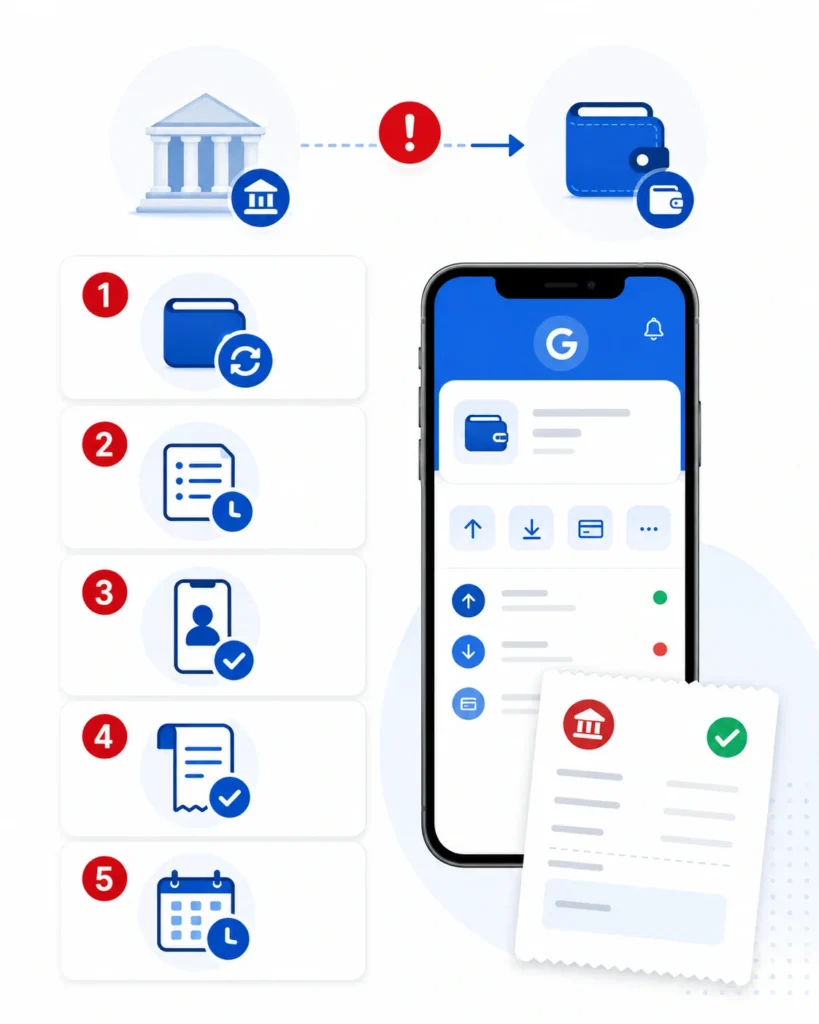
Steps to Verify When You See a BPI to GCash Transfer Issue Today
Before you send a ticket to customer service, check these quick details. Most users find the answer to their transfer from BPI to GCash not received problem right here.
- Check your InstaPay transaction history inside your GCash app. The home screen balance can lag, but the real-time transaction logs are usually more accurate.
- Look at your BPI to GCash receipt. Double-check the recipient phone number. A very common issue is a BPI to GCash wrong number mistake. If you typed even one digit wrong, the money went to another person’s account, or it got stuck in a pending queue if the number does not exist.
- Watch out for a BPI to GCash transfer issue today. Banks and mobile wallets post notices on social media when their servers are down. If there is a major outage, your BPI bank transfer to GCash not received status will clear up as soon as their IT teams fix the servers.
How to Fix a Delayed BPI to GCash Transfer
If you are experiencing a BPI transfer to GCash delay, there are a few simple steps to follow to help resolve it.
First, restart your GCash app completely. Sometimes the app needs to establish a fresh connection with the server to show the updated balance. If that does not work, sign out of your account, wait a minute, and sign back in.
Second, check your bank statement. If you notice a BPI to GCash transfer failed notification, the money should return to your bank account automatically. This reversal can happen within a few hours, but sometimes it takes up to three banking days depending on how fast the banks settle their accounts.
How to Report an Unresolved Transfer to Support
If you waited long enough and your BPI transfer to GCash not received issue is still not resolved, you should file a ticket. Gather your details before contacting support so they can help you faster.
Make sure you have the exact amount sent, the time of the transfer, and the reference number from your BPI confirmation. When you tell support, “I sent money from BPI to GCash but not received,” they will ask for this reference number first to track the funds on their end.
You can reach GCash through their official Help Center in the app. If the issue is on the bank’s side, call the BPI hotline. Never share your MPIN or one-time passwords with anyone who claims they can speed up the process.
When to Contact GCash Support (and How)
Once you’ve gathered everything above, contact GCash through their official channels only. Avoid random Facebook accounts or messages from strangers offering to help.
The safest ways to reach GCash are the in-app Help section inside your GCash app, the official GCash Help Center website, and the GCash hotline listed on their official site. If the issue looks like a bank-side problem, contact BPI customer service too. Sometimes the money is held on the bank’s end, not on GCash’s. For a wider look at related issues, see our GCash Bank Transfer Problems Guide.
FAQs
What should I do if my InstaPay transfer is not received?
If you face an InstaPay not received issue, wait at least thirty minutes. System traffic can cause short delays. If the money still does not show up after an hour, check if the funds were deducted from your BPI account and look for the transaction reference number.
For reverse transactions, GCash to BPI how many days does it take?
If you are transferring money from GCash back to BPI, it is usually instant via InstaPay. However, if there is a delay or if you used a slower bank transfer method, it can take up to one to two banking days to clear.
Will my money return automatically if the transfer fails?
Yes. If the connection fails during the transfer, the system usually triggers an automatic reversal. The funds will go back into your BPI account, though it can take a couple of banking days to reflect in your balance.
Should I try the transaction again?
No. Sending it again may create a duplicate, and getting a refund for the duplicate takes more time than waiting out the original.
Can the money return automatically?
Yes, in many cases. If the transfer failed on either side, banks usually reverse it back to your BPI account within a few banking days. You’ll see it on your BPI statement.
How many days to transfer money from BPI to GCash?
The time it takes depends on the method you pick. If you choose InstaPay, the bpi to gcash transfer time is usually just a few minutes. It works 24/7 so you can even do it at night. If you use PESONet, it takes longer. You might have to wait one banking day for the money to reflect. Remember that PESONet does not work on weekends or holidays, so a transfer made on Friday night might only arrive by Monday afternoon.
What happens if money is transferred but not received in GCash?
This is a common worry when you see a bpi to gcash transfer successful but not received message in your bank app. Usually, the money is just stuck in the system because of high traffic. If the bpi bank transfer to gcash not received issue persists for more than an hour, the system will often trigger an automatic refund. This means the money will go back to your BPI balance within one to three business days. Always keep your reference number as proof while you wait for the balance to update.
Did not receive money from BPI to GCash?
If you did not receive money from BPI to GCash after trying a transfer, the first step is to check your bpi to gcash receipt. Look at the mobile number carefully to make sure there was no bpi to gcash wrong number mistake. If the number is correct and you still find that you sent money from bpi to gcash but not received it, wait for at least 30 minutes. Sometimes the GCash app just needs a quick refresh or you might need to log out and log back in to see the new balance.
Why is GCash transfer delayed?
There are a few reasons for a bpi to gcash transfer delay. Most of the time, it happens because of system maintenance or too many people using the apps at the same time, especially during paydays. A bpi transfer to gcash delay is also common during bank holidays. If the connection between the bank and the e-wallet is slow, the transaction might stay in a pending state. It is best to check the official social media pages of both BPI and GCash to see if they have any ongoing technical issues.
Final Thoughts
A delayed bank transfer is always a stressful experience, but most of the time, the funds are completely safe. Usually, a simple system lag or a timing difference between InstaPay and PESONet is the main culprit. Just make sure to double-check the recipient’s mobile number, keep your transaction receipts safe, and give the system some time to catch up before trying again.
Did your missing transfer eventually arrive? Let us know in the comments how long it took and what worked for you.