
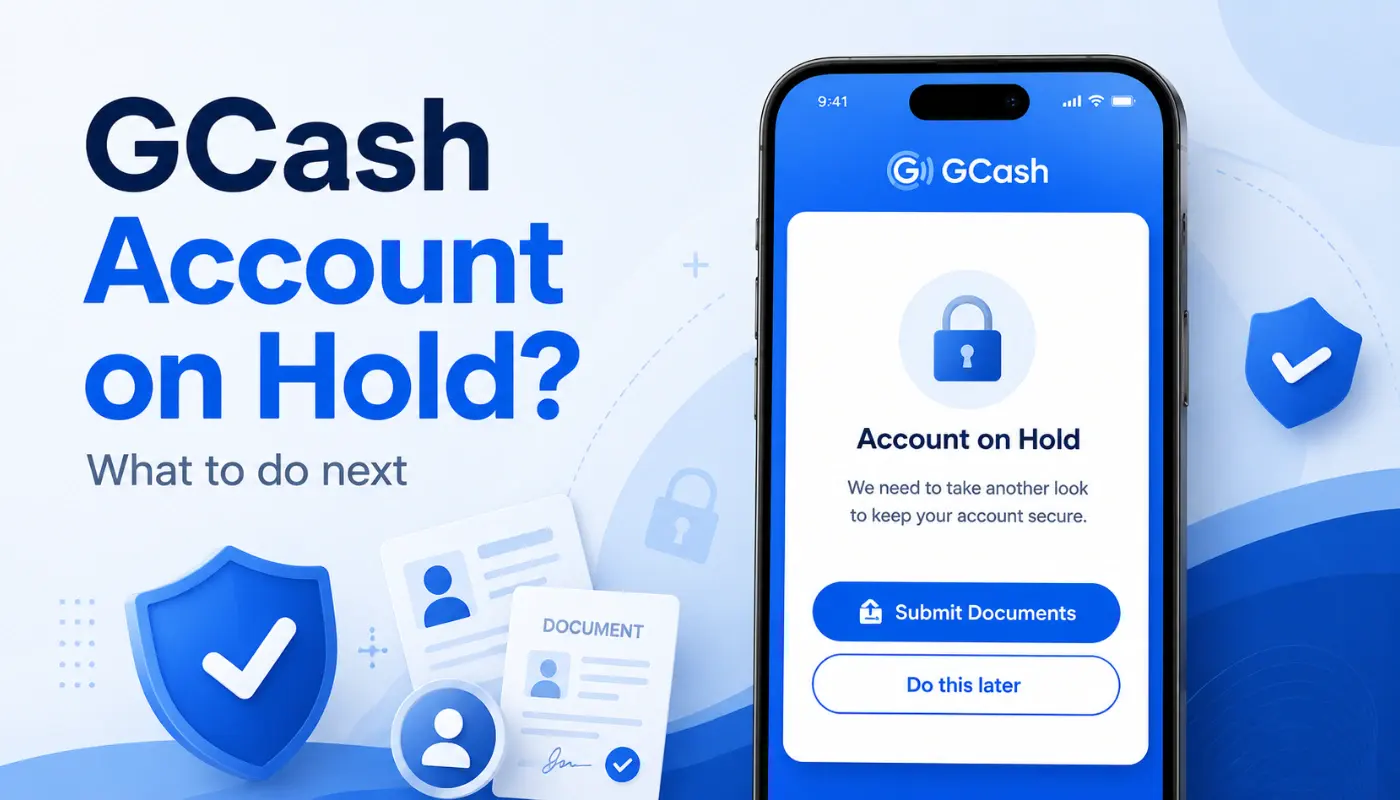
Quick Answer: If the system detects that the account has been used too many times with incorrect login credentials, suspicious activities, or indications of hacking, the account will be locked. To get access, wait the brief cooldown or go through the Forgot MPIN flow or submit a recovery request via the in-app Help section. Avoid bogus telephone numbers that will repair it for payment.
Seeing the words “your account is locked” on GCash is stressful. You can’t pay bills. You can’t move money. The wallet is right there but the door is closed.
Most lockouts are short and fixable on your own. A small number need help from GCash support. Regardless, the road to the return is obvious when you know which lock you are working with. This guide shows you the most frequently occurring issues and how to safely resolve them.
Why GCash Locks an Account
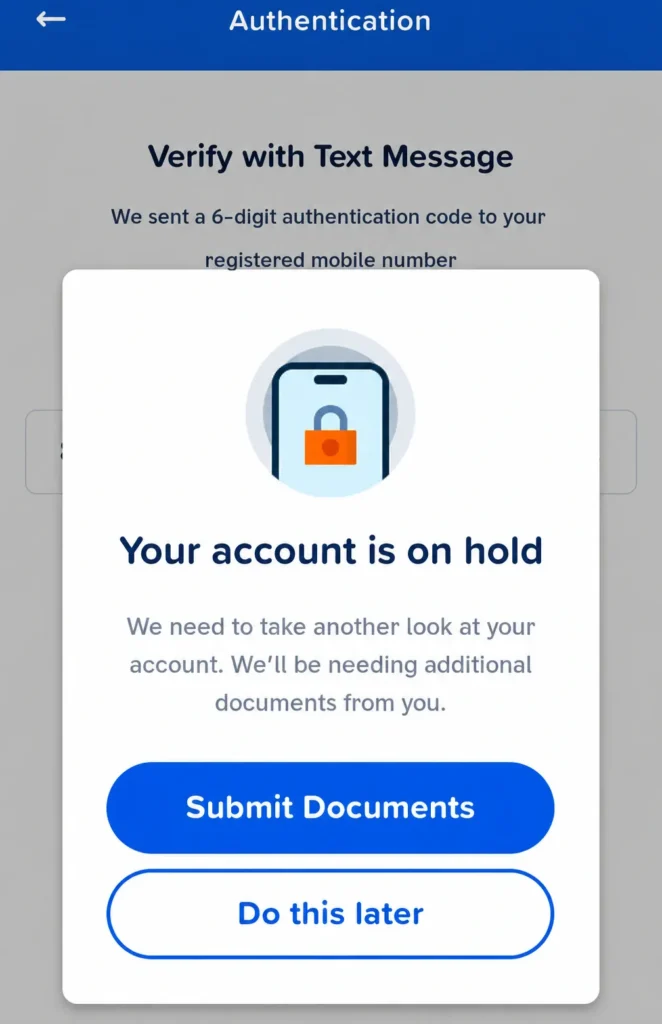
GCash locks accounts for safety, not punishment. The system rather close the door for a moment than risk a stranger getting through.
Common triggers include:
- Multiple wrong MPIN attempts in a short time
- Logging in from a brand new device with no extra verification
- Sudden large transactions that don’t match your normal pattern
- Suspected hacking or phishing activity tied to your number
- A SIM swap that the system flagged as unusual
- Your linked email or phone showing up in a leaked dataset elsewhere
Knowing the cause helps a lot. A cooldown lock is the easiest to fix. A security lock takes more proof to clear.
Before contacting you, try these quick steps:
A lot of lockouts clear on their own with a small push. Start with these.
- Wait 30 minutes or more. There are also many short locks that will lift on their own after a cooldown. Try not to redo within the window.
- Use the Forgot MPIN option. Tap it on the login screen. An OTP is sent to your registered number by GCash. Having the OTP allows you to reset your login and log in again.
- Check your registered email. GCash sometimes emails you with a security alert and a recovery link.
- Ensure that the SIM is operational. If you are unable to get an OTP, the problem could be due to the SIM and not the GCash account.
- Update the GCash app. Old versions occasionally don’t play well with the new security checks.
If all of these don’t clear the lock, it is a deep lock. If none of these are able to clear the lock, it is a deep lock.
Filing a Recovery Request With GCash Support
Filing is done within the GCash app or on the official GCash Help Center website. Nowhere else.
If possible, open up the App. Tap the Help icon. Select the best option, usually Account Locked or Account Recovery. Enter your registered mobile phone number, brief description of what happened and any error messages that were received. Submit and save the case ID. Every reply will use that ID.
When the app doesn’t open at all, go to the official site of the Help Center and submit there. The flow is similar. Don’t use random Facebook pages or phone numbers from old comment sections. Scam recovery groups thrive on locked-out users.
Be prepared for a few days of back and forth. The agent may request an image or a selfie, recent transaction information and even your connected email. Reply quickly. Silent users get their cases closed for inactivity.
What ID and Proof to Prepare
Prepare these in advance to filing. Items missing are moved to the end of the line.
- A valid Government Document ID such as a passport, driver’s license, PhilSys ID, UMID, postal ID.
- A clear selfie holding the ID near your face
- Your registered GCash mobile number
- How much money and when (if you can remember one or two transactions recently)
- Your linked email
- Screenshots of the lockout error message
Good photo habits help. Take the ID picture in daylight on a dark surface. Don’t cover any text with fingers. Clear selfie: No hats, no sunglasses, good lighting. The quicker the agent can verify you, the quicker the door can be opened again.
If Your Account Is Locked Because of Hacking
This is the tougher case. The account is locked, the linked SIM may even be out of your hands, and you’re worried the money is being drained.
First, secure your linked email. Change the password. Sign out of all sessions if you can. The email is often the second door into the account.
Second, file the recovery request and mention “suspected hacking” or “unauthorized access” in the description. That routes the case to a security review team, not the standard recovery team.
Third, prepare to submit stronger proof. The notarised affidavit of loss for the SIM, the standard government ID, and any old transaction details you remember. The case may take longer, sometimes a couple of weeks, but the wallet usually gets locked tighter while the review runs, which keeps the money safer.
For more on hacked-account flows, see our guide on GCash account recovery inside the GCash Account Help Guide.
FAQs
What does “GCash account locked” mean?
It means GCash temporarily stopped login on your account for safety reasons. The wallet and the money stay safe inside. The lock is on access, not on the funds.
How long does it take to fix a GCash account locked issue?
Short cooldown locks lift in minutes to an hour. Standard recovery requests resolve in a few business days. Cases with hacking can take up to 2 weeks. Respond promptly to follow-ups – minimize the time frame.
When should I contact GCash support?
After the quick steps above don’t work. Don’t keep retrying the MPIN. That digs you deeper. Use the in-app Help section or the official GCash Help Center. Skip random hotlines.
Final Thoughts
A locked GCash account is a pause, not a loss. The money stays where it is while the system makes sure it’s really you knocking. Slow down, gather proof, file through the proper channel, and reply fast when the agent follows up. That’s the cleanest path back in.
If you ever have been locked out of a gCash account, have you managed to gain access to it again? Share some feedback on comments as to how long it took and what proof actually unlocked your account.