
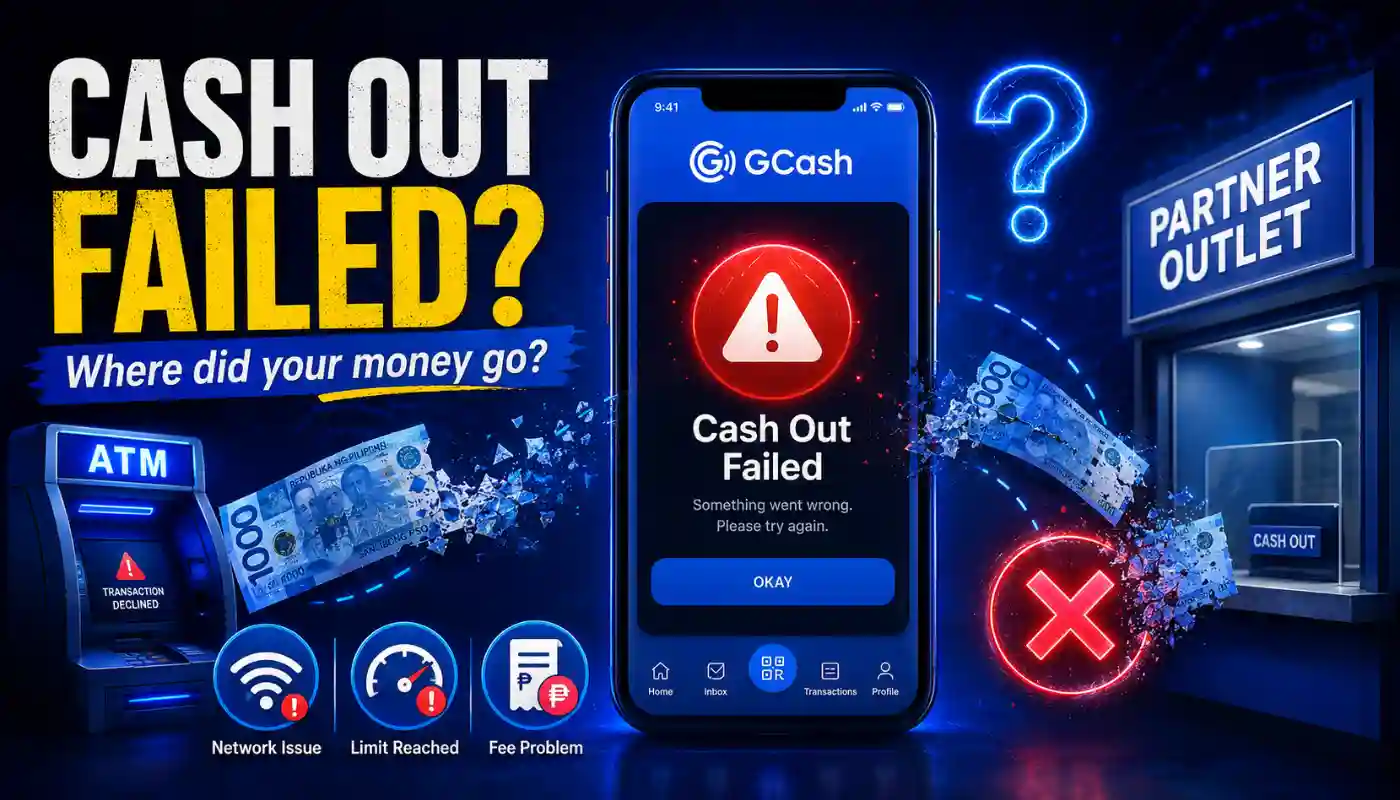
A GCash cash out problem is usually caused by temporary system maintenance, hitting your daily transaction limits, or not having enough extra balance left over to pay the required service fee. If your withdrawal fails, the main thing to remember is to save your transaction reference number right away so you can track down your funds easily.
Getting your own money out shouldn’t be hard. But sometimes you stand at the counter and the app just says no. The clerk might tell you their system is offline or maybe the ATM eats your card and gives you nothing. It gets really stressful when you need that cash right now and you have no idea where your funds went.
Most of the time these GCash errors are just temporary network hiccups. The money is usually safe and will bounce back to your wallet. We will walk through the exact steps to figure out what went wrong so you can get your money moving again without waiting in a long customer service line.
Common Reasons Why GCash Cash Out Fails
System Maintenance and Network Downtime
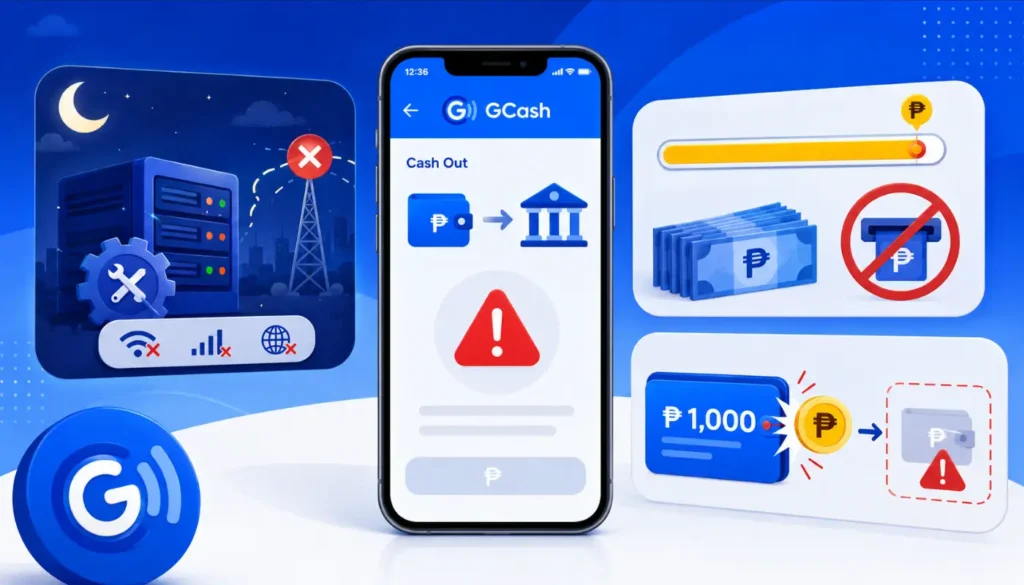
Sometimes the GCash app or the bank network is just down for an update. You might try to send money via InstaPay or PESONet and the system just rejects it flat out. This happens a lot late at night or on weekends when banks run their regular server checks.
Hitting Your Transaction Limits
Every user has a daily and monthly cap. If your account is fully verified you get a higher limit to play with. But if you try to pull out more than your allowed limit the app blocks the transaction immediately. You have to wait for the next month or upgrade your account level to move more money.
Forgetting About Cash Out Fees
This is a super common mistake. You have 1000 pesos in your wallet and you try to withdraw exactly 1000 pesos. The system says insufficient balance because it needs a little extra cash to cover the withdrawal fee. You always have to leave a small buffer amount in your wallet to pay the partner outlet.
Troubleshooting Based on Cash Out Method
GCash Mastercard and ATMs
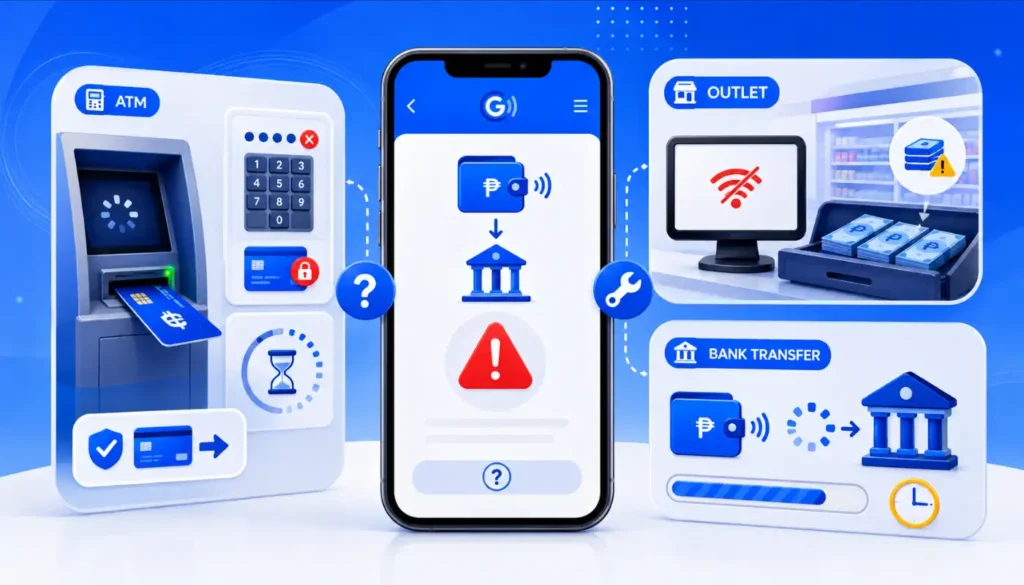
- Check your ATM PIN. If you enter the wrong PIN too many times the machine will block your card for your own safety. Just open your app and reset your PIN before you try again.
- Watch for ATM timeouts. Sometimes the machine takes too long to connect to the bank server and times out. If the screen freezes just wait it out until it cancels the transaction and returns your card safely to you.
Partner Outlets like 7-Eleven or Palawan Express
- Ask if the outlet system is online first. Sometimes the physical store has plenty of cash but their computer cannot connect to GCash. If their system is offline you just have to walk out and find another branch nearby.
- Check if they have enough physical cash on hand. Smaller stores might run out of actual bills by the end of the day. It really helps to ask the cashier if they can fund your amount before you scan any QR codes.
Bank Transfers
Check for InstaPay delays. The money might leave your GCash app but not show up in your bank account right away. This is usually due to heavy traffic on the banking network and you just have to wait a few hours for it to push through.
How to Recover Funds from a Failed Transaction
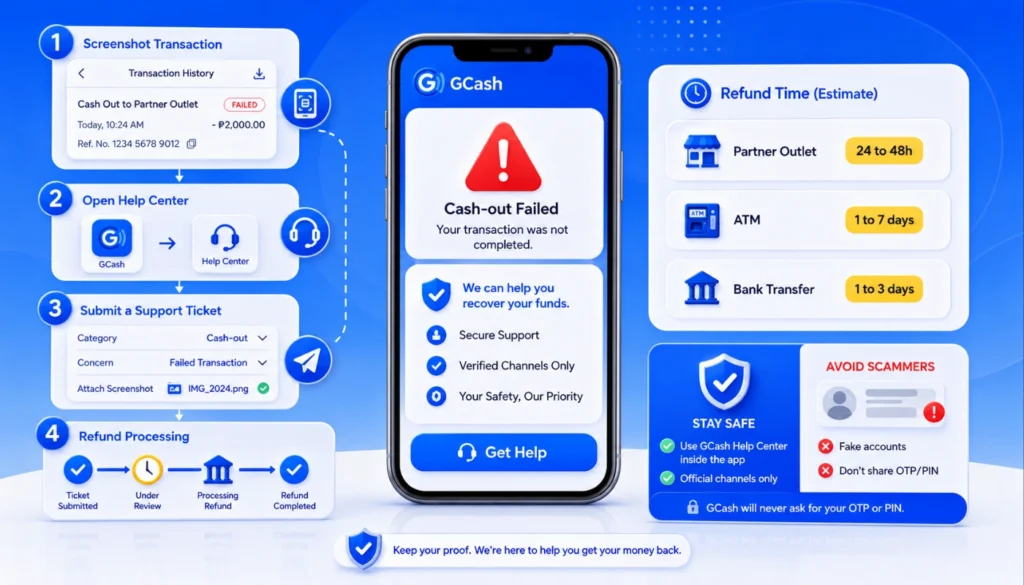
If the money left your wallet but you got no physical cash you need to report it right away. Here is the best way to handle that process so you get your money back fast.
- Take a screenshot of the transaction history showing the exact time and reference number. You will definitely need this to prove the error happened.
- Open the Help Center inside your GCash app. This is the fastest way to reach real support safely. Do not try sending messages to random social media pages because scammers often pretend to be customer service reps.
- Submit a ticket and pick the cash out category. Attach your screenshot and type out a short simple explanation of what went wrong at the store or ATM.
| Cash Out Method | Normal Refund Processing Time |
| Partner Outlet | Usually 24 to 48 hours |
| GCash Mastercard (ATM) | 1 to 7 banking days |
| Bank Transfer (InstaPay) | 1 to 3 banking days |
Frequently Asked Questions
What happens if an ATM takes my balance but gives no cash?
The banking system usually notices the error and reverses the charge automatically within a day. If it does not return to your balance you will need to file a dispute using your transaction reference number to force the refund.
What is the cash out limit for a fully verified user?
Fully verified users can usually transact up to 100,000 pesos a month. Just remember this limit includes all your sending and cashing out activities combined so keep track of your other payments too.
Final Thoughts
Dealing with a GCash cash out problem is annoying but it is rarely a permanent loss. Just double check your balance limits and keep an eye on network updates. If something goes wrong save that reference number and send a quick ticket through the app.
What is the most frustrating cash out issue you have faced recently? Let me know in the comments below so we can see which partner outlets are having the most trouble lately.